Best VPS Hosting in India 2026: Top Providers Compared
Compare the best VPS hosting providers in India in 2026. Learn about Linux VPS, KVM virtualization, server locations, RAM, NVMe storage, security, pricing and how to choose the right VPS for your business or application.
Zonetic Hosting Team
Blogger & SEO Expert
In this article
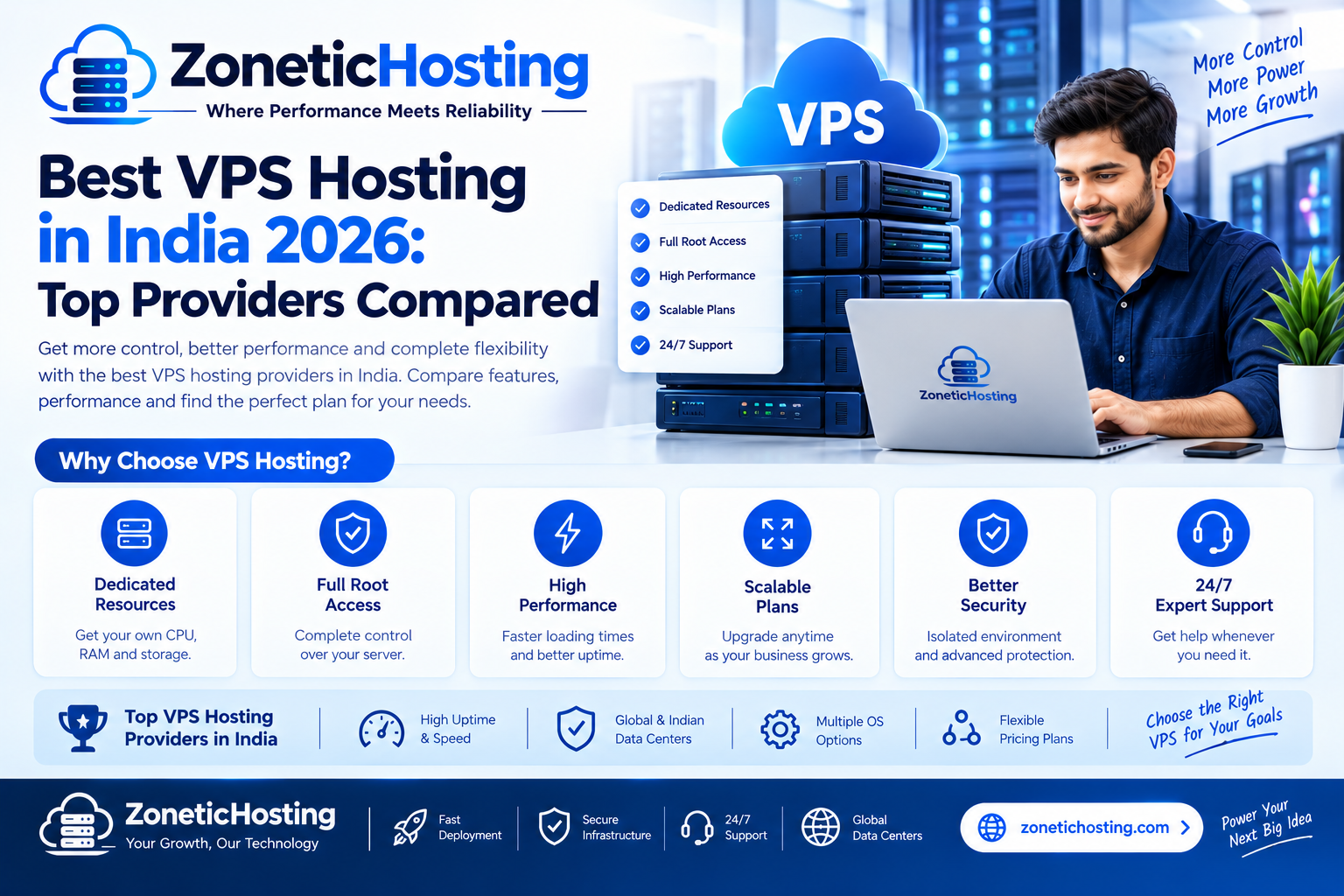
Looking for the best VPS hosting in India in 2026? Whether you are running a business website, an eCommerce store, a web application, a SaaS platform or multiple client projects, choosing the right VPS server can make a major difference to your website's performance, flexibility and long-term growth.
Traditional shared hosting is suitable for many new websites, but growing businesses and developers often need more control over their server environment. A Virtual Private Server (VPS) provides an independent virtual server environment with allocated resources, giving you greater flexibility to install software, configure applications and manage your hosting environment.
However, not every VPS hosting provider offers the same experience. Server location, CPU allocation, RAM, storage technology, network performance, support and renewal pricing are all important factors to consider.
In this guide, we will explore some popular VPS hosting providers available to Indian customers, compare their strengths and explain how to choose the right VPS server for your requirements.
Quick Overview: Best VPS Hosting Providers in India 2026
Here is a quick overview of providers worth considering when comparing VPS hosting services in India.
| Provider | Best For | What to Consider |
|---|---|---|
| ZoneticHosting | Indian VPS hosting and business projects | Available VPS configurations and support options |
| Hostinger | Beginners and budget-conscious users | Promotional pricing and renewal costs |
| MilesWeb | Indian businesses | Managed services and available server configurations |
| DigitalOcean | Developers and cloud applications | Resource requirements and additional service costs |
| AWS Lightsail | Users already working with AWS | Cloud ecosystem and billing structure |
| Vultr | Developers needing flexible cloud infrastructure | Server location and instance configuration |
| E2E Networks | Cloud and computing-intensive workloads | Instance types and workload suitability |
Note: This is a shortlist based on provider positioning and common use cases, not a laboratory performance ranking. Features, server locations and prices can change. Always verify the latest specifications and terms on the provider's official website.
What Is VPS Hosting?
VPS stands for Virtual Private Server. It is a hosting environment created by dividing a physical server into multiple virtual servers using virtualization technology.
Each VPS operates with its own allocated resources, operating system and configuration. This gives users more control compared to traditional shared hosting.
For example, with a Linux VPS, you can install Ubuntu, configure Nginx or Apache, run PHP or Node.js applications, manage databases and deploy your own software.
A VPS is particularly useful when you need more control over the server environment without renting and managing an entire dedicated physical server.
Why Choose VPS Hosting in India?
Choosing an Indian VPS server can be beneficial when your website visitors, customers or application users are primarily located in India.
1. Better Geographic Proximity
When your server is located closer to your visitors, network latency can be reduced. This can help improve response times for websites and applications, depending on network routing and server performance.
2. More Control Over Your Server
VPS hosting gives you more configuration freedom. You can install supported software, manage services, configure security rules and customise your server environment according to your application requirements.
3. Suitable for Growing Businesses
As your website grows, you may need additional CPU, RAM or storage. VPS hosting makes it possible to choose a larger server configuration as your requirements increase.
4. Flexible Application Hosting
A VPS can host different types of applications, including business websites, APIs, backend services, development environments, automation tools and databases.
Best VPS Hosting Providers in India 2026
Let's look at some popular VPS hosting companies and the types of users they may suit.
1. ZoneticHosting – Indian VPS Hosting for Businesses and Developers
ZoneticHosting VPS Servers are an option for users looking for VPS hosting from an Indian hosting provider.
Whether you are a developer deploying an application or a business looking for an independent server environment, a VPS gives you the flexibility to configure your own hosting setup.
ZoneticHosting offers Indian VPS options with Ubuntu as an operating system choice. Before ordering, review the available CPU, RAM, storage, bandwidth and management specifications to find a configuration that matches your workload.
Why consider ZoneticHosting?
- Indian VPS hosting options.
- Ubuntu operating system availability.
- Suitable for developers and growing businesses.
- Independent server environment for applications and websites.
- Flexible hosting environment for supported software and workloads.
Best for: Developers, startups, small businesses and users who want an Indian VPS hosting option.
Explore ZoneticHosting VPS Servers to check current configurations and pricing.
2. Hostinger – VPS Hosting for Beginners
Hostinger is a popular hosting provider offering VPS plans for individuals, developers and businesses. Its VPS services are worth considering if you want a relatively straightforward starting point for deploying websites and applications.
When comparing Hostinger VPS plans, review the included CPU cores, RAM, NVMe storage, bandwidth, server location and renewal price.
Best for: Beginners, small projects and users who prefer a familiar hosting platform.
3. MilesWeb – VPS Hosting for Indian Businesses
MilesWeb is an Indian hosting company offering different hosting services, including VPS solutions. It may be worth evaluating if you prefer working with an Indian hosting provider.
Before selecting a plan, compare managed and unmanaged options, server resources, technical support, backup policies and the availability of your preferred operating system.
Best for: Indian businesses and users comparing locally available hosting services.
4. DigitalOcean – Developer-Focused Cloud VPS
DigitalOcean is widely used by developers who need flexible cloud infrastructure. Its Droplets provide virtual machines that can be configured for websites, APIs, databases, development environments and production applications.
DigitalOcean can be useful when you need cloud infrastructure, deployment flexibility, documentation and integration with other cloud services.
Remember to check the complete cost of your setup, including additional storage, backups, bandwidth and other optional services.
Best for: Developers, startups, SaaS applications and cloud-based projects.
5. AWS Lightsail – Simple VPS Within the AWS Ecosystem
Amazon Lightsail provides virtual private servers with bundled resource configurations. It is an option for users who want a simpler entry point into Amazon Web Services.
Lightsail may be suitable for websites, small applications, development environments and projects that may eventually use other AWS services.
Review the available server locations, included data transfer, storage limits and additional charges before choosing a configuration.
Best for: Businesses and developers already using AWS or planning to expand into its cloud ecosystem.
6. Vultr – Flexible Cloud Compute
Vultr offers cloud compute instances for developers and businesses that need configurable virtual servers. Its platform can be considered for application deployment, websites, testing environments and other workloads.
Compare available regions, instance types, storage options, network limits and backup costs before purchasing.
Best for: Developers and technical users who want flexible cloud infrastructure.
7. E2E Networks – Cloud Infrastructure for Computing Workloads
E2E Networks is an Indian cloud infrastructure provider known for offering computing infrastructure for different workloads, including GPU-oriented computing solutions.
If your project needs specialised computing resources, evaluate its available instance types and compare them with the requirements of your application.
Best for: Businesses and technical teams evaluating cloud computing and specialised infrastructure.
How to Choose the Best VPS Hosting in India
Choosing a VPS should not be based only on the lowest advertised monthly price. A cheap plan may not provide enough resources for your application, while an expensive plan may include resources you do not need.
Consider these important factors before ordering.
1. CPU Cores and Performance
CPU resources determine how much processing capacity is available to your applications. A small business website may need fewer resources than a database-heavy application or a busy API.
Check the number of vCPUs, CPU generation where disclosed, and whether the resources are shared or dedicated.
2. RAM Allocation
RAM is important for running applications, databases, background processes and control panels.
- 1–2 GB RAM: Lightweight applications, testing and small services, depending on software requirements.
- 4 GB RAM: Small websites, development projects and lightweight application deployments.
- 8 GB RAM: Multiple services, larger applications and more demanding workloads.
- 16 GB RAM or higher: Resource-intensive applications, larger databases and multiple hosted projects.
These are general starting points, not guaranteed capacity recommendations. Actual requirements depend on application architecture, traffic and software configuration.
3. NVMe SSD Storage
Storage affects application files, databases, operating system operations and data access. NVMe SSD storage can offer faster storage performance than traditional HDD storage.
Check the storage capacity and whether backups or additional storage are included in the plan.
4. Indian Server Location
If most of your customers are in India, consider a VPS location in India. However, do not assume that every provider's VPS plan is hosted in the same city.
Check the exact data centre location and, if possible, test network latency from your target audience's region before purchasing.
5. Root or Administrator Access
For a Linux VPS, root access gives you administrative control over the operating system. It allows you to install software, manage services, configure firewalls and customise the environment.
Confirm the level of access included with your plan, particularly if you need custom server configurations.
6. Backups and Security
Backups are essential for protecting important website and application data. Check whether automated backups are included, how frequently they run, how long they are retained and whether restoration has an additional cost.
You should also check firewall options, DDoS protection, security monitoring and available recovery features.
7. Technical Support
Support matters when your server becomes unavailable or you face a configuration issue. Before buying, understand the provider's support channels, operating hours and whether server administration is included.
Unmanaged VPS hosting generally requires you to handle operating system updates, software installation, server security and troubleshooting yourself.
8. Pricing and Renewal Costs
Do not compare VPS plans using promotional prices alone. Check the renewal price, billing period, applicable GST, licence fees, backup charges and other optional costs.
For long-term projects, calculate the total cost over at least one year instead of focusing only on the advertised monthly price.
Linux VPS vs Windows VPS: Which One Should You Choose?
One of the most important decisions when buying a VPS is choosing the operating system.
| Feature | Linux VPS | Windows VPS |
|---|---|---|
| Operating System | Ubuntu, Debian and other Linux distributions | Windows Server editions |
| Common Use | PHP, Python, Node.js, websites and APIs | .NET applications and Windows-specific software |
| Administration | SSH and command line | Remote Desktop and Windows administration tools |
| Software Licensing | Depends on the selected software | Windows Server licensing may add cost |
| Typical Users | Developers, hosting businesses and Linux administrators | Businesses needing Windows-based applications |
Our recommendation: Choose Linux VPS if you are running common web applications, PHP websites, Node.js projects or Python services. Choose Windows VPS when your application specifically requires a Windows environment.
What Can You Host on a VPS Server?
A VPS is a flexible hosting environment. Depending on its available resources and configuration, you can use it for several different purposes.
- Business Websites: Host company websites and business portals.
- WordPress Websites: Run WordPress with a suitable web server and database setup.
- Node.js Applications: Deploy APIs, backend services and JavaScript applications.
- Python Applications: Host Django, Flask and FastAPI projects.
- PHP Applications: Run custom PHP websites and frameworks.
- Databases: Host supported MySQL, MariaDB or PostgreSQL services.
- Automation Tools: Run supported background tasks and automation applications.
- Development Environments: Create isolated environments for testing and deployment.
- Multiple Websites: Host multiple projects on one VPS when the resources and configuration allow it.
VPS Hosting vs Shared Hosting
Both VPS and shared hosting are useful, but they are designed for different requirements.
| Feature | Shared Hosting | VPS Hosting |
|---|---|---|
| Server Environment | Shared hosting environment | Independent virtual server |
| Administrative Control | Limited | Greater control |
| Software Installation | Limited to supported options | More flexible |
| Resource Allocation | Hosting plan limits | Allocated VPS resources |
| Technical Knowledge | Generally beginner-friendly | May require server administration skills |
| Common Use | New websites and small projects | Growing websites and applications |
If you are launching your first small website, shared hosting may be sufficient. You can explore ZoneticHosting Web Hosting for traditional website hosting options.
If you need more control, custom software installation or an independent server environment, consider moving to VPS hosting.
Managed vs Unmanaged VPS Hosting
VPS plans are commonly offered as managed or unmanaged services. Understanding the difference is important before purchasing.
Unmanaged VPS
With an unmanaged VPS, you are generally responsible for configuring and maintaining the server. This includes operating system updates, web server installation, security configuration, database management and troubleshooting.
It is a good option for developers and system administrators who want greater control over their server.
Managed VPS
With managed VPS hosting, the provider offers an agreed level of server administration and technical assistance. The exact scope varies by company and plan.
Before choosing a managed service, ask whether it includes security updates, server monitoring, backups, control panel management and application troubleshooting.
Common Mistakes to Avoid When Buying a VPS
- Choosing only by price: Compare actual resources and total billing costs.
- Ignoring server location: Choose a location suitable for your target audience.
- Buying insufficient RAM: Estimate resource usage before selecting a plan.
- Ignoring backups: Always maintain a reliable backup and recovery strategy.
- Not checking renewal costs: Promotional prices may not apply to future billing periods.
- Ignoring server security: Configure SSH access, firewall rules and regular updates.
- Assuming every VPS is managed: Confirm who handles server administration and troubleshooting.
Why Consider ZoneticHosting for VPS Hosting?
If you are looking for a VPS hosting provider in India, ZoneticHosting is worth considering alongside other providers.
Our VPS hosting service is designed for users who need an independent server environment for their websites, applications and development projects. With Ubuntu available as an operating system option, developers can work with a familiar Linux environment.
Before choosing your server, consider the resources your project needs and compare the available VPS configurations.
Ready to explore your options? Visit the ZoneticHosting VPS Hosting page to check available Indian VPS server plans and current pricing.
If you are not sure whether shared hosting or VPS hosting is right for your project, you can also compare our web hosting plans.
Frequently Asked Questions About VPS Hosting in India
1. Which is the best VPS hosting in India in 2026?
The best VPS hosting provider depends on your requirements. Compare ZoneticHosting, Hostinger, MilesWeb, DigitalOcean, AWS Lightsail, Vultr and E2E Networks based on server location, CPU, RAM, storage, pricing and support before making a decision.
2. How much does VPS hosting cost in India?
VPS hosting prices vary depending on CPU, RAM, storage, bandwidth, server location and management. Always check the provider's current pricing, renewal rates and applicable taxes before ordering.
3. Is Indian VPS hosting better for Indian websites?
An Indian VPS can be a good choice if most of your website visitors are in India. A geographically closer server may reduce network latency, although actual performance also depends on routing, server resources and application optimisation.
4. Is Linux VPS good for beginners?
Linux VPS can be suitable for beginners who are willing to learn server administration. Ubuntu is a popular choice because of its documentation and broad software compatibility. Beginners who do not want to manage a server should consider a managed VPS service.
5. How much RAM do I need for a VPS?
The required RAM depends on your application. Lightweight projects may work with 1–2 GB, while larger websites, databases and multiple applications may require 4 GB, 8 GB or more. Monitor actual resource usage when choosing a configuration.
6. Can I host multiple websites on one VPS?
Yes. You can host multiple websites on a VPS if you configure the web server, domains, databases and security correctly. The number of websites depends on available CPU, RAM, storage and traffic.
7. What is the difference between KVM VPS and shared hosting?
KVM VPS uses hardware-assisted virtualization to provide an independent virtual machine environment. Shared hosting places multiple customer websites within a shared hosting environment with more limited administrative control.
8. Can I install Ubuntu on a VPS?
Yes. Many VPS providers offer Ubuntu as an operating system option. Check the provider's available OS images and supported versions before ordering.
9. Is VPS hosting suitable for Node.js and Python applications?
Yes. A suitably configured Linux VPS can run Node.js, Python, FastAPI, Django and other supported applications. Select enough CPU, RAM and storage for your application's requirements.
10. When should I upgrade from shared hosting to VPS?
Consider upgrading when you need custom software, greater server control, more predictable resource allocation or an environment that your shared hosting plan cannot support. Review your actual resource usage before upgrading.
Final Verdict: Choosing the Best VPS Hosting in India
The best VPS hosting in India in 2026 depends on what you want to build and how much server administration you can handle.
Hostinger and MilesWeb are worth comparing for users looking at familiar hosting providers. DigitalOcean and Vultr are useful options for developers who want flexible cloud infrastructure. AWS Lightsail is worth considering if you already work with AWS, while E2E Networks is relevant for specialised computing workloads.
For users looking for an Indian VPS hosting option, ZoneticHosting is another provider to evaluate. Compare the available configurations, operating system options, support and total cost before making your final decision.
Explore ZoneticHosting VPS Servers and choose a server that matches your project requirements.
Have a question about hosting?
Our team can help you pick the right plan for your website.