How to Start a Website in India in 2026: Complete Beginner's Guide
Want to start a website in India in 2026? Learn how to choose a domain name, select affordable web hosting, build a WordPress website, set up free SSL, estimate website costs, and get started with ZoneticHosting.
Zonetic Hosting Team
Blogger & SEO Expert
In this article
How to Start a Website in India in 2026: Complete Beginner's Guide
Starting a website in India in 2026 is easier than ever. Whether you want to launch a small business, start a blog, build a portfolio, promote your services, or sell products online, you can create a professional website without being an expert in coding.
The most important thing is to understand what you need, choose the right platform, and find reliable web hosting that fits your budget.
In this complete beginner's guide, we will explain how to start a website in India step by step, how much it costs, which tools you need, and how to get your website online using ZoneticHosting.
Table of Contents
Why Do You Need a Website in 2026?
What Do You Need to Start a Website?
Step 1: Decide the Purpose of Your Website
Step 2: Choose and Register a Domain Name
Step 3: Choose the Right Web Hosting
Step 4: Build Your Website Using WordPress
Step 5: Design Essential Website Pages
Step 6: Connect Your Domain to Your Hosting
Step 7: Secure Your Website With Free SSL
Step 8: Make Your Website Mobile-Friendly
Step 9: Set Up SEO and Google Search Console
How Much Does It Cost to Start a Website in India?
Common Website-Building Mistakes to Avoid
Why Choose ZoneticHosting for Your Website?
Frequently Asked Questions
1. Why Do You Need a Website in 2026?
A website gives your business or personal brand a dedicated place on the internet. Unlike a social media profile, your website allows you to organise your information, showcase your services, publish helpful content, and collect customer enquiries in one place.
Here are some common reasons to start a website:
Small business website: Showcase your products, services, location, and contact details.
Personal blog: Publish articles about your interests, knowledge, or professional experience.
Portfolio website: Display your projects, skills, and achievements.
Online store: Sell products and accept orders through your website.
Freelance website: Attract potential clients and showcase your work.
Affiliate website: Publish product reviews, comparisons, and recommendations.
A website can also support your long-term digital marketing strategy. With useful content, technical SEO, and consistent updates, your pages can become discoverable through search engines.
2. What Do You Need to Start a Website?
Before creating your website, understand the three basic components.
Domain Name
A domain name is your website's address on the internet. For example, yourbusiness.com or yourbrand.in.
Visitors use this address to find your website.
Web Hosting
Web hosting is the service that stores your website's files, images, databases, and other resources and makes them accessible online.
Without hosting, your website cannot be served to visitors through your domain.
If you are looking for affordable web hosting in India, explore ZoneticHosting to find a plan suitable for your first website.
Website Platform
A website platform helps you build and manage your website.
Popular options include:
WordPress: Suitable for blogs, business websites, portfolios, and many online stores.
Website builders: Useful for beginners who prefer visual, drag-and-drop editing.
Custom development: Ideal when you need specialised functionality or a completely custom design.
For many beginners, WordPress is a practical starting point because it supports a wide range of website types without requiring you to write every line of code yourself.
3. Step 1: Decide the Purpose of Your Website
Before buying a domain or web hosting plan, decide what you want your website to achieve.
For example, if you run a local business, your website may need service descriptions, customer reviews, a contact form, and a WhatsApp enquiry button.
If you want to start a blog, you may need categories, article pages, author information, and a search function.
If you plan to sell products, you may need product pages, a shopping cart, payment integration, and order management.
Write down your website's main objective and the features you need. This will help you avoid paying for unnecessary tools or resources.
4. Step 2: Choose and Register a Domain Name
Your domain name is an important part of your online identity. Choose something easy to remember, spell, and communicate.
Tips for choosing a good domain name
Keep it short and easy to pronounce.
Use your business or brand name when possible.
Avoid unnecessary numbers and hyphens.
Choose an extension that suits your audience.
Check availability before making a final decision.
Register the domain using an account you control.
Should you choose .com or .in?
Both extensions can work well for an Indian website.
.com: A widely recognised option for businesses targeting customers in India and internationally.
.in: A country-code domain that can be suitable for businesses and projects focused on India.
Your domain extension alone will not guarantee higher search rankings. Focus on creating a useful website and building a recognisable brand.
You can explore domain registration options through ZoneticHosting and check whether your preferred domain is available.
Tip: Domain registration and renewal charges vary by extension and provider. Check the current price before purchasing.
5. Step 3: Choose the Right Web Hosting
Choosing web hosting is one of the most important decisions when starting a website.
Your hosting service affects how your website is stored, accessed, maintained, and scaled as your requirements change.
There are several types of web hosting available.
Shared Web Hosting
Shared hosting is a common starting point for beginners. Multiple websites share server resources, making this option suitable for many small websites.
It can be a good choice for:
Personal blogs
Small business websites
Freelance portfolios
Informational websites
New projects with modest resource requirements
VPS Hosting
A Virtual Private Server (VPS) provides an allocated virtual server environment with more control over its configuration.
VPS hosting may be suitable for growing websites, developers, applications, and projects that require more control over their server environment.
Reseller Hosting
Reseller hosting is designed for people who want to sell hosting services to their own customers.
It can be useful for web design agencies, freelancers, and entrepreneurs building a hosting business.
Which Web Hosting Should Beginners Choose?
If you are creating your first blog, portfolio, or small business website, start by evaluating shared web hosting.
Look for a plan with sufficient storage, SSL support, an easy-to-use control panel, suitable database limits, and access to customer support.
Avoid choosing a plan based only on the advertised monthly price. Check the billing period, total amount payable, renewal pricing, and available resources before placing an order.
Start Your Website With ZoneticHosting
ZoneticHosting offers web hosting plans for individuals, developers, startups, and businesses looking for an affordable way to establish their online presence.
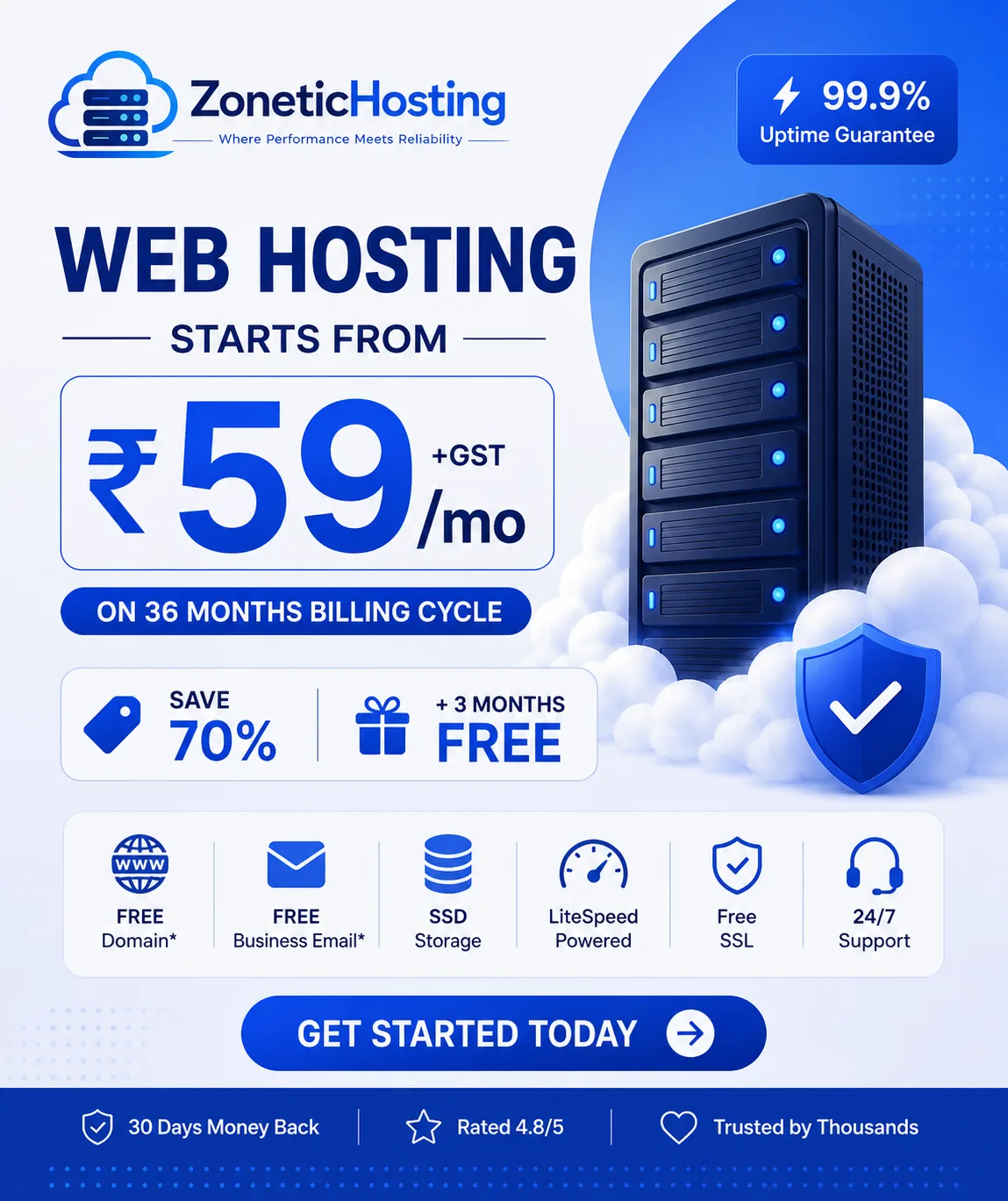
The Starter plan is advertised at ₹59 + GST per month on a 36-month billing cycle, with the full billing commitment payable upfront.
The Starter plan includes:
10 GB storage
Hosting for 1 website
5 email accounts
5 databases
2 FTP accounts
Free SSL certificate
Unmetered bandwidth, subject to the provider's applicable terms
These resources can be suitable for a beginner launching a small website, provided the website's actual resource requirements fit the plan.
Ready to get started?
Visit ZoneticHosting Web Hosting to review the available plans and choose the right option for your website.
6. Step 4: Build Your Website Using WordPress
Once you have your domain and hosting, you need to create your website.
WordPress is a popular content management system that allows you to create and manage pages, blog posts, menus, images, and other website content.
You can use WordPress for:
Business websites
Blogs and news websites
Personal portfolios
Service-based websites
Many types of online stores
How to Get Started With WordPress
Purchase a suitable web hosting plan.
Add or connect your domain.
Open your hosting control panel.
Use the available WordPress installer if your hosting plan supports it, or follow the official WordPress installation instructions.
Create your administrator account with a strong password.
Choose a suitable theme.
Install only the plugins you actually need.
Add your website content and customise the design.
You do not need to learn advanced programming to build a basic WordPress website. However, some familiarity with website settings, plugins, and security will help you manage it more effectively.
If you already have an HTML, CSS, JavaScript, or other custom-built website, you may be able to upload or deploy it instead of using WordPress.
7. Step 5: Design the Essential Website Pages
A professional website should help visitors understand who you are, what you offer, and how they can contact you.
For most small businesses, the following pages are a good starting point.
Home Page
Introduce your business, explain your main offering, and guide visitors towards the next action.
About Us
Tell visitors about your business, experience, mission, or the people behind your brand.
Products or Services
Describe what you offer, explain the benefits, and provide clear pricing or enquiry options where appropriate.
Contact Us
Include relevant contact information, a contact form, and other suitable ways to reach you.
Privacy Policy
Explain how your website handles personal information, particularly if you collect names, email addresses, phone numbers, or other visitor data.
Blog
Publish useful articles that answer your audience's questions. For example, a hosting company can publish tutorials about website creation, domain names, WordPress, website speed, and online business basics.
Make sure your content is original, accurate, and written for your intended audience.
8. Step 6: Connect Your Domain to Your Hosting
After purchasing your domain and hosting, you need to connect them so visitors can access your website.
This is usually done through DNS settings.
Your hosting provider will supply the relevant nameservers or DNS record details.
Basic Steps to Connect Your Domain
Log in to your domain registrar.
Open your domain's DNS or nameserver settings.
Enter the nameservers provided by your hosting provider, if you are using that method.
Alternatively, configure the required DNS records if you are keeping DNS management with another provider.
Save the changes.
Wait for the DNS changes to propagate.
Check whether your domain opens the correct website.
DNS changes may take time to become visible everywhere. The exact time depends on factors such as DNS caching and the records being changed.
Important: If you already use email on your domain, take care not to remove or overwrite your existing MX and other required email records when changing DNS settings.
If you are unsure which records to use, contact your hosting provider before making changes.
9. Step 7: Secure Your Website With Free SSL
SSL/TLS encryption protects data transmitted between your website and its visitors.
A website using HTTPS displays a secure connection in the browser, which is particularly important for contact forms, login pages, and online transactions.
Before launching your website:
Activate your SSL certificate.
Confirm that your website opens using HTTPS.
Redirect HTTP traffic to HTTPS.
Check that images and other resources load securely.
Renew or monitor your certificate as required.
ZoneticHosting's Starter web hosting plan includes a free SSL certificate, helping beginners secure their websites without needing to purchase a separate basic certificate.
Remember that SSL protects data in transit; it does not replace strong passwords, software updates, backups, or other security measures.
10. Step 8: Make Your Website Mobile-Friendly
Many visitors browse websites using smartphones, so your website should work properly on smaller screens.
A mobile-friendly website should have:
Readable text
Responsive layouts
Easy-to-use navigation
Buttons that are comfortable to tap
Images that fit the screen
Forms that work on mobile devices
Fast-loading pages
Choose a responsive theme if you are using WordPress. Test your website on both a phone and a desktop before sharing it with customers.
You should also optimise images, remove unnecessary plugins, and avoid excessive animations or scripts that slow down the experience.
A good hosting plan provides the foundation for your website, but your theme, code, images, caching, and other technical choices also affect performance.
11. Step 9: Set Up SEO and Google Search Console
Search engine optimisation (SEO) helps search engines understand your website and can improve its visibility for relevant searches over time.
SEO does not guarantee immediate rankings or traffic. It requires useful content, a technically accessible website, and consistent improvement.
Basic SEO Checklist for Beginners
Use descriptive page titles: Give each important page a unique title that clearly describes its content.
Write useful meta descriptions: Summarise each page in natural language to help users understand what it offers.
Use headings correctly: Organise content with a clear H1 heading followed by relevant H2 and H3 headings.
Create helpful content: Answer the actual questions your target audience is searching for.
Use descriptive URLs: Prefer short, readable URLs instead of confusing strings of characters.
Optimise images: Compress images appropriately and add meaningful alternative text when the image conveys information.
Create internal links: Link related articles and service pages to help visitors navigate your website.
Use Google Search Console: Verify your website, monitor indexing, and review search performance data.
Create a sitemap: If your website platform generates a sitemap, submit it through Google Search Console where appropriate.
For example, if you operate a local business, you can publish helpful articles related to your industry, services, and customers' common questions.
If you are starting a hosting business, useful topics include website creation, WordPress troubleshooting, web hosting comparisons, domain registration, and website security.
12. How Much Does It Cost to Start a Website in India?
The cost of creating a website in India depends on its complexity, the tools you choose, and whether you build it yourself or hire a professional.
Here is a practical breakdown of the main expenses.
ExpenseWhat to considerDomain nameRegistration and renewal fees depend on the extension and provider.Web hostingDepends on the plan, resources, and billing term.Website designCan be free with a suitable theme or cost extra if professionally designed.Plugins and toolsSome are free; premium features may require payment.SSL certificateBasic SSL may be included with your hosting plan.Website developmentDepends on whether you build the website yourself or hire a developer.MaintenanceIncludes updates, backups, troubleshooting, and other ongoing work.
Can You Start a Website With a Small Budget?
Yes. A simple website can be launched on a limited budget if you build it yourself, use suitable free tools, and choose an affordable hosting plan.
For example, ZoneticHosting's Starter web hosting offer is advertised at ₹59 + GST per month on a 36-month billing cycle.
At that rate, the hosting component works out to ₹2,124 before GST over 36 months when calculated as ₹59 × 36. The actual advertised checkout total should be checked before payment; domain registration, renewals, premium tools, and other expenses may be additional.
Do not confuse the monthly equivalent with the amount payable upfront. Always review the complete billing summary and renewal terms before purchasing.
13. Common Website-Building Mistakes to Avoid
Beginners often make a few avoidable mistakes when launching their first website.
Choosing a Domain That Is Difficult to Remember
A complicated domain can be harder for customers to recall or type. Choose something clear and relevant to your brand.
Buying Hosting Without Checking the Resources
Check the storage, website limits, database limits, email allowances, and other plan restrictions before purchasing.
Ignoring Renewal Prices
Promotional pricing may apply only to a particular billing period. Review renewal charges so you can budget for future expenses.
Installing Too Many Plugins
Unnecessary plugins can create compatibility, maintenance, and performance problems. Install only what you need and keep your software updated.
Forgetting Website Backups
A backup can help you recover from accidental changes, software failures, or other problems. Understand how backups are created, how long they are retained, and how to restore them.
Ignoring Website Security
Use strong passwords, keep your website software updated, and restrict administrator access to trusted users.
Publishing Content Without a Plan
A website should have a clear purpose. Publish content that helps visitors solve problems, understand your services, or make informed decisions.
Expecting Instant SEO Results
A new website may take time to gain visibility. Focus on helpful content, technical quality, user experience, and consistent improvement rather than expecting immediate rankings.
14. Why Choose ZoneticHosting for Your Website?
If you are planning to create your first website, choosing a hosting provider that fits your requirements and budget is an important step.
ZoneticHosting provides web hosting options for individuals, developers, startups, and businesses looking to establish or grow their online presence.
Here are some features to consider when reviewing the ZoneticHosting Starter plan.
Affordable entry-level hosting: The advertised long-term price is ₹59 + GST per month on a 36-month billing cycle.
Free SSL certificate: Secure your website with the included SSL certificate.
10 GB storage: Get storage for your website files and supported resources within the plan's limits.
One website: The Starter plan is designed for hosting one website.
Email accounts: The plan includes five email accounts.
Database support: Five databases are included.
FTP access: The plan includes two FTP accounts for supported file-management workflows.
Unmetered bandwidth: Bandwidth is advertised as unmetered, subject to the applicable terms and acceptable-use policies.
These features provide a starting point for a simple website, portfolio, blog, or small business site. If you expect high traffic, operate a resource-intensive application, or need multiple websites, review the higher-tier plans to find the right fit.
ZoneticHosting also offers other hosting-related services, including VPS hosting and reseller hosting options. Your choice should depend on your technical requirements, expected traffic, budget, and level of server control.
Start Your Website Today
You do not need a complicated setup to begin building your online presence. Start with a clear goal, select a suitable domain, choose the right hosting plan, and publish useful content.
Explore ZoneticHosting's web hosting plans:
https://zonetichosting.com/web-hosting
Review the available features, billing period, and total payable amount before selecting your plan.
15. Frequently Asked Questions
1. How can I start a website in India in 2026?
Choose a purpose for your website, register a domain, purchase web hosting, build your site using WordPress or another platform, connect the domain, activate SSL, and test everything before launch.
2. How much does it cost to create a website in India?
The cost varies depending on your domain, hosting, design, features, and development requirements. A basic DIY website can cost relatively little, while a professionally developed website with custom functionality can cost considerably more.
3. Can I create a website without coding?
Yes. Platforms such as WordPress and visual website builders allow you to create many types of websites without writing code from scratch.
4. Which web hosting is best for beginners in India?
The right hosting depends on your website type, budget, storage requirements, and expected traffic. Shared hosting is often a practical starting point for blogs, portfolios, and small business websites.
5. What is the difference between a domain name and web hosting?
A domain is your website's address, while web hosting stores and serves your website's files. You generally need both to make a self-hosted website accessible through your own domain.
6. Does ZoneticHosting offer affordable web hosting?
ZoneticHosting advertises a Starter web hosting plan at ₹59 + GST per month on a 36-month billing cycle. Check the current plan details and checkout total on the official website before ordering.
7. Does the ZoneticHosting Starter plan include SSL?
Yes, the Starter web hosting plan includes a free SSL certificate, subject to the provider's applicable plan terms and certificate requirements.
8. Can I use WordPress with web hosting?
Yes, provided your hosting plan supports the technical requirements of your WordPress installation. You can use WordPress for blogs, business websites, portfolios, and many other projects.
9. Do I need a domain before buying web hosting?
Not necessarily. Depending on the provider, you may be able to purchase hosting first and connect an existing domain later. However, you will need to configure your domain correctly before visitors can access the site through it.
10. How long does it take to launch a website?
A basic website can sometimes be launched within a day if your domain, hosting, content, and design are ready. Larger websites may require considerably more time for development, testing, and content creation.
11. Can a new website rank on Google?
Yes. New websites can appear in Google Search, but indexing and ranking are not guaranteed. Create useful content, ensure your pages are accessible to search engines, and monitor your website through Google Search Console.
12. Is free SSL enough for a beginner's website?
A properly configured basic SSL/TLS certificate is generally sufficient for encrypting connections to a standard website. However, it does not replace website backups, software updates, strong passwords, or other security practices.
Conclusion
Starting a website in India in 2026 does not have to be complicated. With a suitable domain, reliable web hosting, a practical website platform, and a clear content strategy, you can build an online presence for your business, blog, or personal brand.
Start with the features you actually need, keep your website secure, and improve it as your audience grows.
If you are ready to get started, explore ZoneticHosting Web Hosting, compare the available plans, and choose a hosting solution that fits your website and budget.
Have a question about hosting?
Our team can help you pick the right plan for your website.