Best Hosting for High-Traffic Websites in India
Best Hosting for High-Traffic Websites in India When your website starts receiving more visitors, choosing the right hosting becomes extremely important. A host
Zonetic Hosting Team
Blogger & SEO Expert
In this article
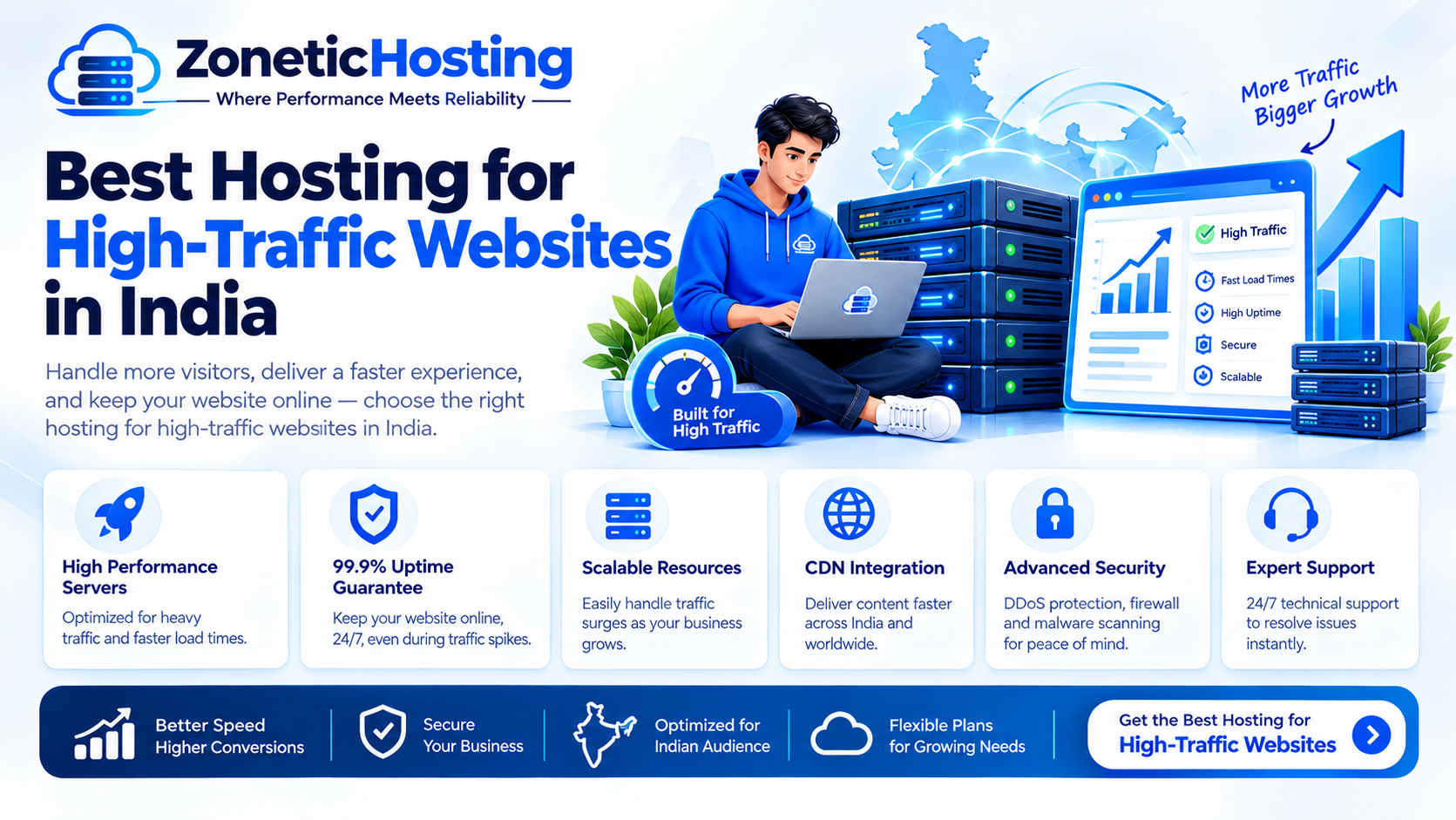
Best Hosting for High-Traffic Websites in India
When your website starts receiving more visitors, choosing the right hosting becomes extremely important. A hosting plan that works well for a small website may not be able to handle high traffic, database requests, and sudden traffic spikes.
High-traffic websites need reliable server resources, fast storage, good network connectivity, security, backups, and the ability to scale as traffic increases.
In this guide, we will explain the best hosting options for high-traffic websites in India and help you choose between shared hosting, VPS hosting, cloud hosting, and dedicated servers.
What Is High-Traffic Website Hosting?
High-traffic hosting refers to hosting infrastructure that can handle a large number of visitors, requests, database queries, and simultaneous connections.
However, the number of visitors is not the only factor that determines your hosting requirements.
A simple blog with thousands of visitors may use fewer server resources than an eCommerce website with hundreds of simultaneous users.
Your hosting requirements depend on several factors, including:
Number of visitors
Concurrent users
CPU usage
RAM usage
Database queries
Website software
Images and media
Traffic spikes
Caching
CDN usage
Server configuration
This is why you should choose hosting based on your website's actual workload rather than visitor numbers alone.
When Should You Upgrade Your Hosting?
Shared hosting can be a good option for small websites and websites with moderate traffic.
However, you may need to upgrade when you start experiencing:
Slow website loading
High CPU usage
RAM limitations
Frequent server errors
Slow database queries
Website downtime during traffic spikes
Resource usage warnings
Slow WordPress dashboard
If your website consistently reaches the resource limits of your current hosting plan, upgrading to VPS or cloud hosting can provide more resources and flexibility.
Best Hosting Options for High-Traffic Websites
There are four common hosting options for growing and high-traffic websites:
Shared Hosting
VPS Hosting
Cloud Hosting
Dedicated Server Hosting
Let's look at each option.
1. Shared Hosting
Shared hosting is one of the most affordable hosting options. Multiple websites share resources on the same server infrastructure.
It is suitable for websites that do not require large amounts of CPU or RAM.
Best For:
Small business websites
Blogs
Portfolio websites
Landing pages
New websites
Low to moderate traffic
Advantages of Shared Hosting
Affordable
Easy to manage
Beginner-friendly
Usually includes a control panel
No advanced server administration required
Limitations of Shared Hosting
Resources are limited
Resources are shared
Less server control
Not ideal for large traffic spikes
Limited customization
If your website is consistently receiving high traffic, VPS or cloud hosting may be a better option.
2. VPS Hosting
VPS stands for Virtual Private Server.
A VPS provides an isolated virtual server environment with allocated CPU, RAM, storage, and other resources.
It offers more control than traditional shared hosting and is often a good choice for websites that have outgrown shared hosting.
Best For:
Growing websites
High-traffic WordPress websites
WooCommerce stores
Web applications
SaaS applications
Developers
Agencies
Advantages of VPS Hosting
Dedicated virtual resources
Better resource isolation
More server control
Root access on suitable plans
Custom server configuration
Better scalability
Suitable for demanding websites
VPS hosting is often a good middle ground between shared hosting and dedicated servers.
3. Cloud Hosting
Cloud hosting uses cloud infrastructure to run websites and applications.
One of its biggest advantages is scalability. Resources can often be increased as your website grows.
Cloud hosting can be particularly useful for websites that experience unpredictable traffic.
Best For:
High-traffic websites
Large online stores
SaaS applications
News websites
Growing businesses
Websites with traffic spikes
Advantages of Cloud Hosting
High scalability
Flexible resources
Good for changing workloads
Suitable for growing applications
Better suited to sudden traffic increases
Cloud hosting can be a good choice when your website's traffic changes significantly throughout the day or during promotional campaigns.
4. Dedicated Server Hosting
A dedicated server gives you an entire physical server for your website or application.
Unlike shared hosting or VPS hosting, the physical server resources are dedicated to your workload.
Best For:
Enterprise websites
Large eCommerce stores
Large databases
High-resource applications
Large SaaS platforms
Businesses requiring dedicated infrastructure
Advantages of Dedicated Hosting
Dedicated physical resources
Maximum server control
High customization
Strong resource isolation
Excellent performance potential
The main disadvantage is cost. Dedicated servers are generally more expensive than shared and VPS hosting.
VPS vs Cloud vs Dedicated Hosting
Choosing between VPS, cloud, and dedicated hosting depends on your website's requirements.
VPS hosting is a good option when you need more resources and control without paying for an entire physical server.
Cloud hosting is useful when scalability and flexibility are important, especially when traffic changes frequently.
Dedicated hosting is suitable when your website requires maximum dedicated resources and consistent high performance.
For many growing websites, VPS hosting provides a good balance between performance, control, and cost.
What to Look for in Hosting for High-Traffic Websites
Do not choose a hosting provider based only on price.
Consider the following factors before purchasing a hosting plan.
1. CPU and RAM
CPU and RAM determine how much work your server can handle.
Dynamic websites, WordPress websites, WooCommerce stores, databases, and applications generally require more resources than simple static websites.
Choose a plan with enough resources for your current workload and a clear upgrade path.
2. Fast NVMe Storage
Storage performance can affect website response times, particularly for database-heavy websites.
NVMe SSD storage is commonly used in modern hosting infrastructure and can provide faster storage performance than traditional hard drives.
3. Reliable Network
Your server can have powerful hardware, but poor network connectivity can still affect website performance.
Look for hosting with:
Reliable network connectivity
Good bandwidth
Low latency
High network capacity
Stable routing
4. Server Location
If most of your visitors are located in India, hosting your website closer to your audience can help reduce network latency.
For websites targeting international audiences, a CDN can help deliver static content from locations closer to visitors.
5. Scalability
Your hosting should be able to grow with your website.
Before purchasing, check whether you can upgrade:
CPU
RAM
Storage
Bandwidth
VPS resources
Server size
A clear upgrade path can save you from having to migrate your website again when traffic increases.
Does a High-Traffic Website Need VPS Hosting?
Not every high-traffic website automatically needs a VPS.
A lightweight website with effective caching and a CDN may handle significant traffic using relatively modest resources.
However, VPS hosting becomes useful when you need:
More CPU
More RAM
Better resource isolation
Root access
Custom server configurations
Advanced caching
Custom applications
Greater control
For growing WordPress websites, WooCommerce stores, SaaS platforms, and web applications, VPS hosting can be a practical upgrade from shared hosting.
How to Handle Sudden Traffic Spikes
Traffic can suddenly increase because of:
Viral content
Social media
Advertising campaigns
Product launches
Flash sales
News coverage
Seasonal events
To prepare your website for traffic spikes, you can use several techniques.
Website Caching
Caching reduces the amount of work your server needs to perform for every visitor.
CDN
A Content Delivery Network can distribute static files such as images, CSS, and JavaScript closer to users.
Image Optimization
Large images can consume bandwidth and slow down your website.
Compress images and use modern formats such as WebP or AVIF when appropriate.
Database Optimization
A poorly optimized database can become a bottleneck when traffic increases.
Regularly review database queries, indexes, plugins, and unnecessary data.
Server Monitoring
Monitor CPU, RAM, storage, bandwidth, response times, and server errors.
Monitoring helps you identify resource problems before they become major outages.
Security for High-Traffic Websites
Performance is not the only concern for a high-traffic website.
Security is equally important.
Important security measures include:
SSL/TLS
Firewall protection
Regular backups
Malware monitoring
Strong passwords
Two-factor authentication
Regular software updates
Secure SSH configuration
DDoS protection
Server monitoring
For business-critical websites, security should be implemented at both the application and infrastructure levels.
Do You Need DDoS Protection?
DDoS attacks can send large amounts of unwanted traffic toward your website or server.
Basic firewall rules may not be sufficient against large volumetric attacks.
Websites that are business-critical or regularly targeted should consider additional DDoS protection, traffic filtering, CDN, or reverse-proxy solutions.
The right level of protection depends on your website, traffic patterns, application, and risk level.
Best Hosting for Different Types of Websites
Small Business Website
Recommended: Shared Hosting or Entry-Level VPS
A basic business website with moderate traffic usually does not require a dedicated server.
High-Traffic WordPress Website
Recommended: VPS or Cloud Hosting
A VPS provides more control and resources, while cloud hosting can be useful for websites that experience changing traffic levels.
WooCommerce Website
Recommended: VPS or Cloud Hosting
Online stores can generate significant database activity, especially when customers are browsing products, logging in, and completing orders.
SaaS Application
Recommended: VPS or Cloud Hosting
SaaS applications often require custom software, databases, background processes, and flexible resources.
Large Enterprise Website
Recommended: Dedicated Server or Cloud Infrastructure
Large businesses may require dedicated resources, advanced monitoring, security, backups, and scalable infrastructure.
How Much Does High-Traffic Hosting Cost in India?
The cost depends on the resources your website needs.
Generally, shared hosting is the cheapest option, followed by VPS and cloud hosting, while dedicated servers are usually more expensive.
Your final cost can depend on:
CPU
RAM
Storage
Bandwidth
Server location
Backup requirements
Server management
Security
Technical support
Instead of choosing the cheapest hosting plan, choose a plan that provides enough resources for your website's actual workload.
How to Choose the Right Hosting Plan
Before choosing hosting, ask yourself:
How much traffic does my website receive?
How many users are online simultaneously?
Is my website static or dynamic?
How much CPU does it currently use?
How much RAM does it require?
How large is my database?
Do I need root access?
Does my website experience traffic spikes?
Do I need managed support?
Can I easily upgrade the hosting plan later?
Answering these questions will help you choose hosting based on your actual requirements.
Final Recommendation
For most websites that have outgrown shared hosting, VPS hosting is a strong next step because it provides more resources, control, and isolation without the cost of a full dedicated server.
If your website experiences unpredictable traffic spikes or needs flexible scaling, cloud hosting may be more suitable.
If you operate a very large website, application, or database requiring maximum dedicated resources, dedicated hosting can be the better choice.
The best hosting for a high-traffic website is ultimately the one that provides enough resources, reliable networking, security, monitoring, backups, and a clear path to scale as your website grows.
Looking for Hosting for a Growing Website?
If your website is outgrowing basic shared hosting, explore ZoneticHosting hosting solutions and choose a plan based on your website's traffic and resource requirements.
Choose infrastructure that can keep your website fast, secure, and available as your traffic grows.
Have a question about hosting?
Our team can help you pick the right plan for your website.